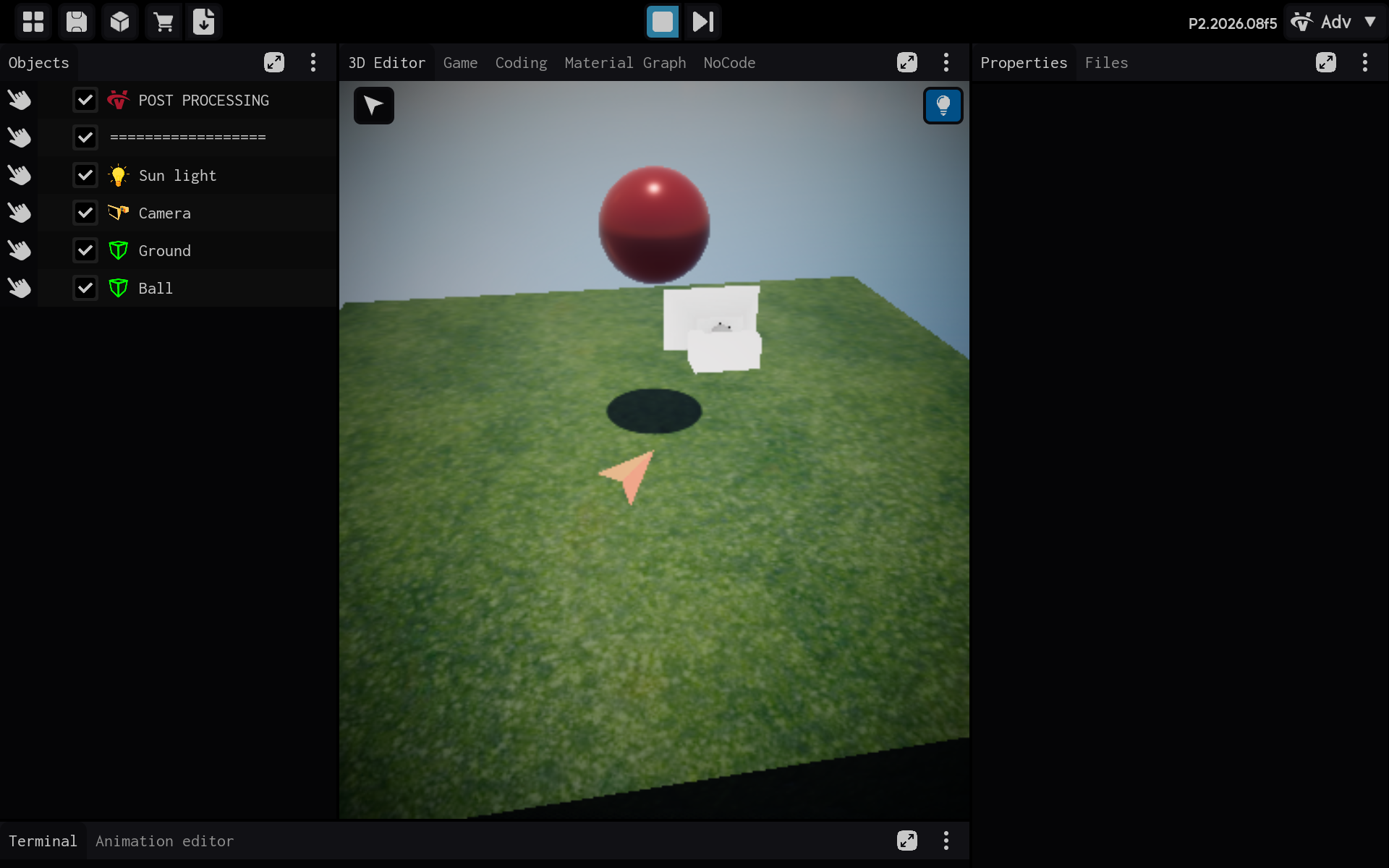
Creating Your First Project
This guide shows you how to create a blank project in ITsMagic. A blank project is a good starting point when you want to build everything yourself.
Steps
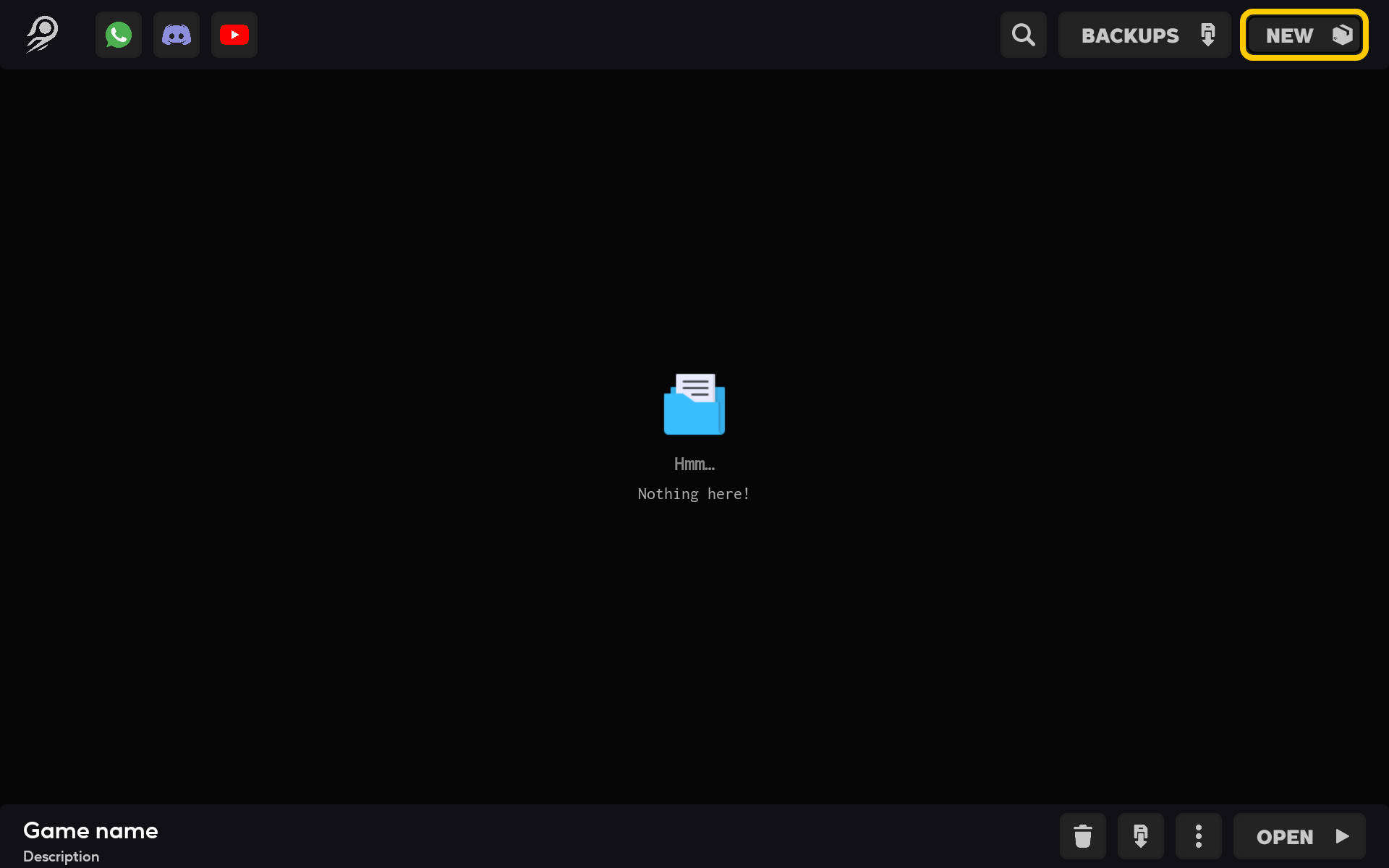
1. Open the project menu
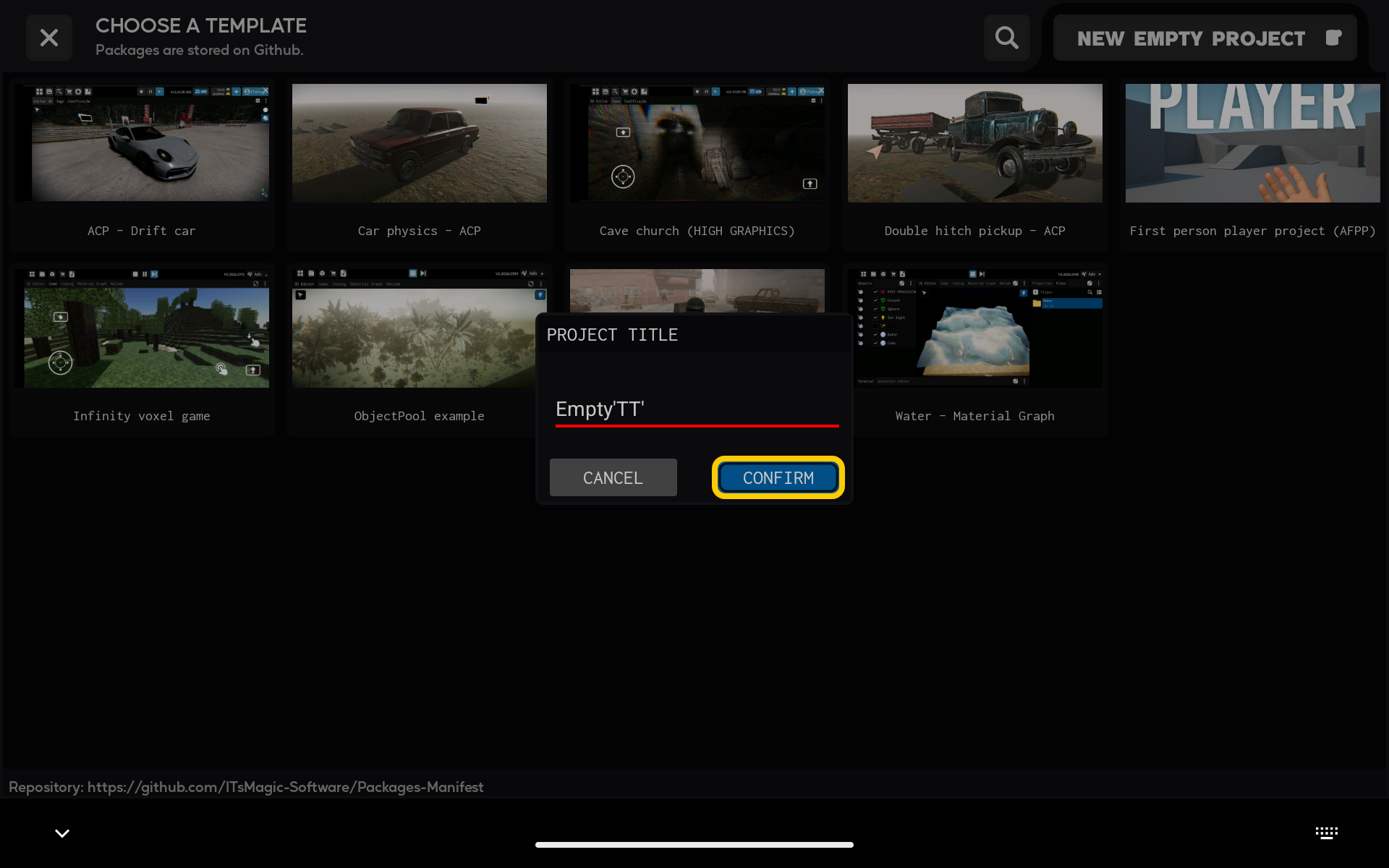
Tap New project on the ITsMagic home screen.
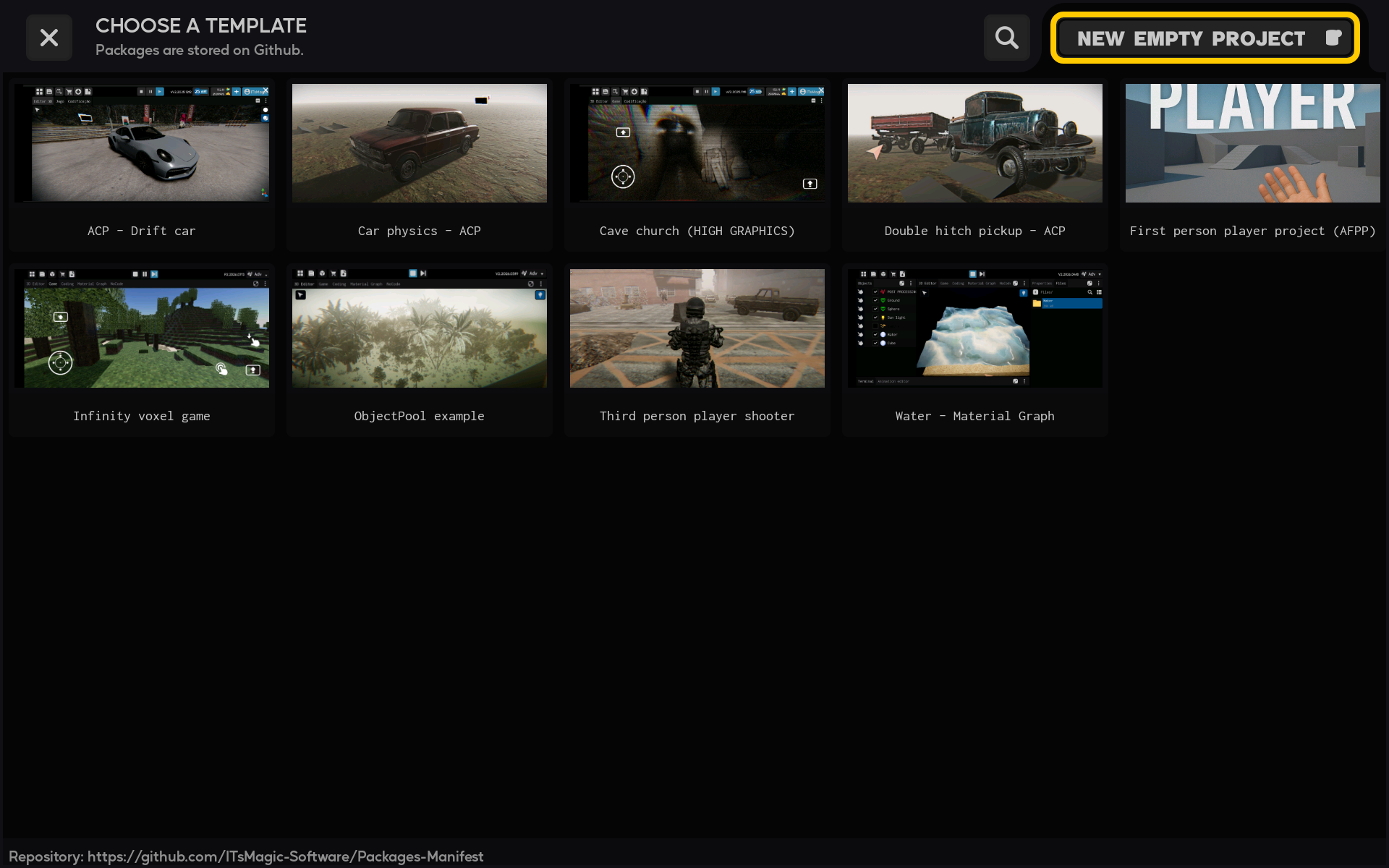
2. Choose an empty project
At the top of the template selection screen, tap New empty project. This option creates a project without a preconfigured template.
3. Name your project
Enter a short, recognizable name in Project title. Choose a name that will help you find the project easily later.
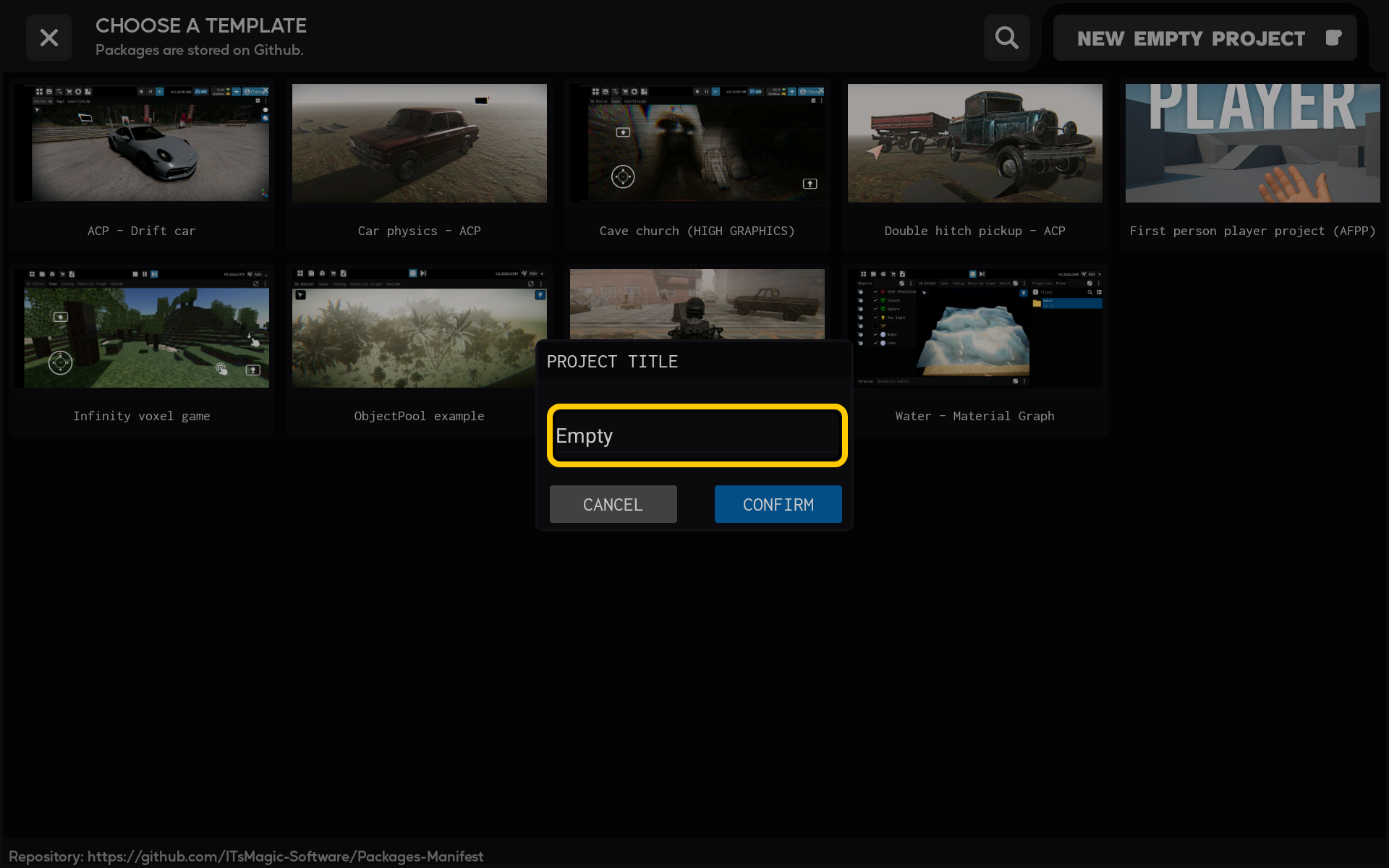
4. Create the project
Tap Confirm. ITsMagic will create your blank project and open it in the editor.
5. Wait while the project opens
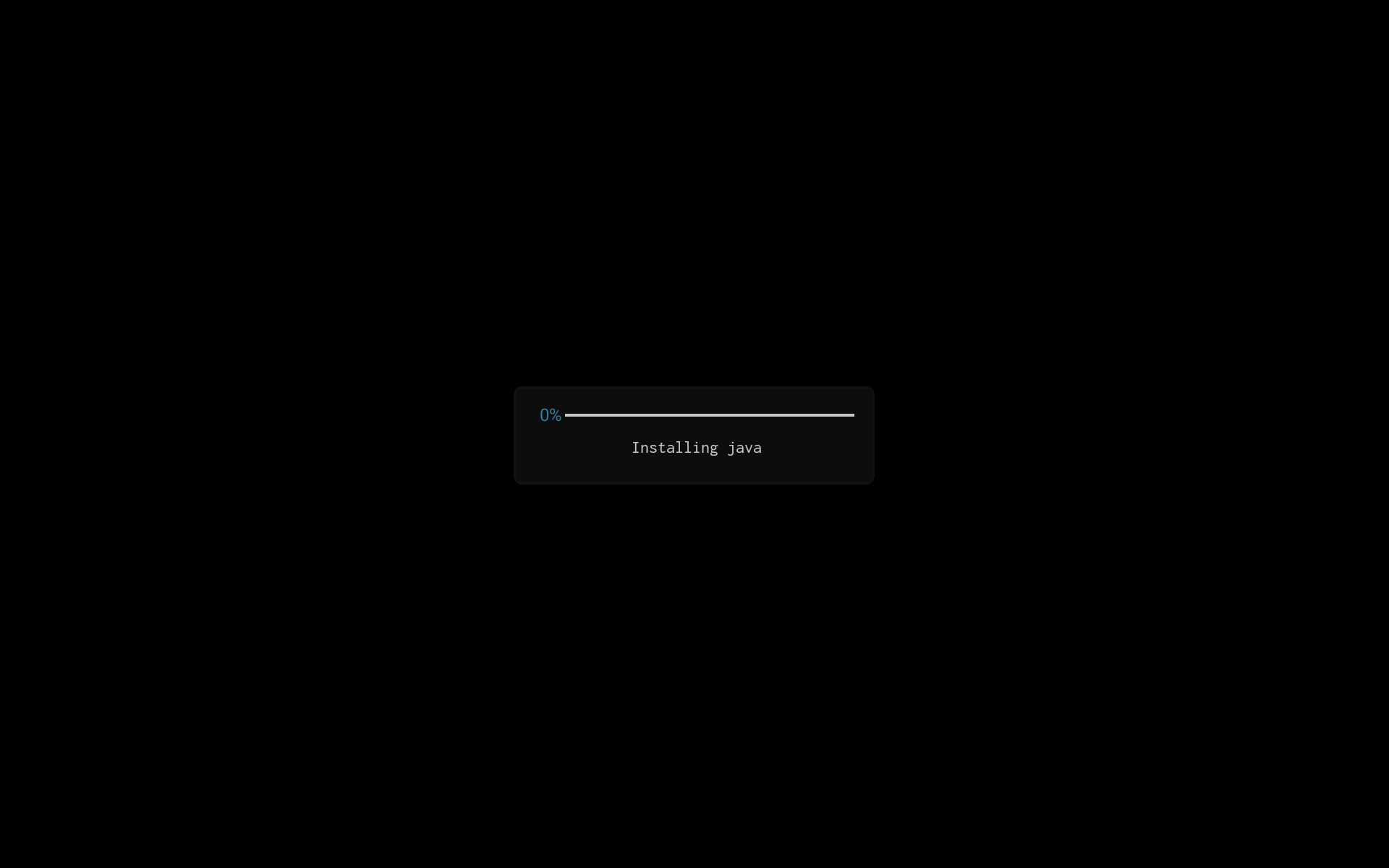
ITsMagic now opens and builds the project. Wait for the opening screen to finish before continuing.
6. Start working in the editor
When the new empty project finishes loading, it opens in the editor. You can now start adding scenes, objects, components, and scripts to your project.