Configuring Fog
Fog places a colored haze in the scene so distant objects gradually disappear.
Color chooses fog color. Density controls how quickly it hides objects. Start, end, height, and falloff define its range.
Steps
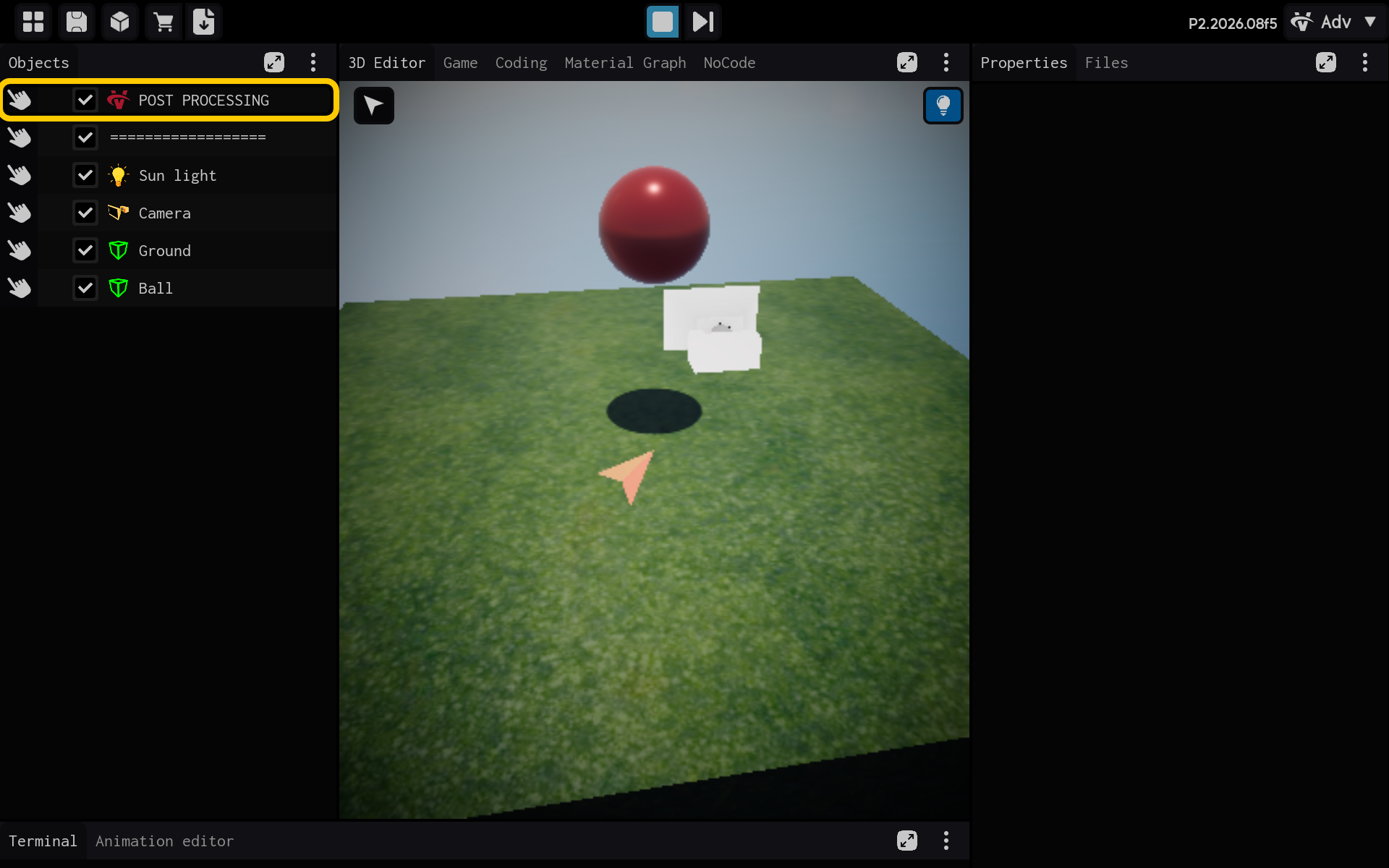
- Select the POST PROCESSING object in the Objects panel.
Optional: Add the Fog component
Use this section only if the Fog component is not already listed in the Properties panel. If it is already present, skip the actions in this section and continue with the main tutorial below.
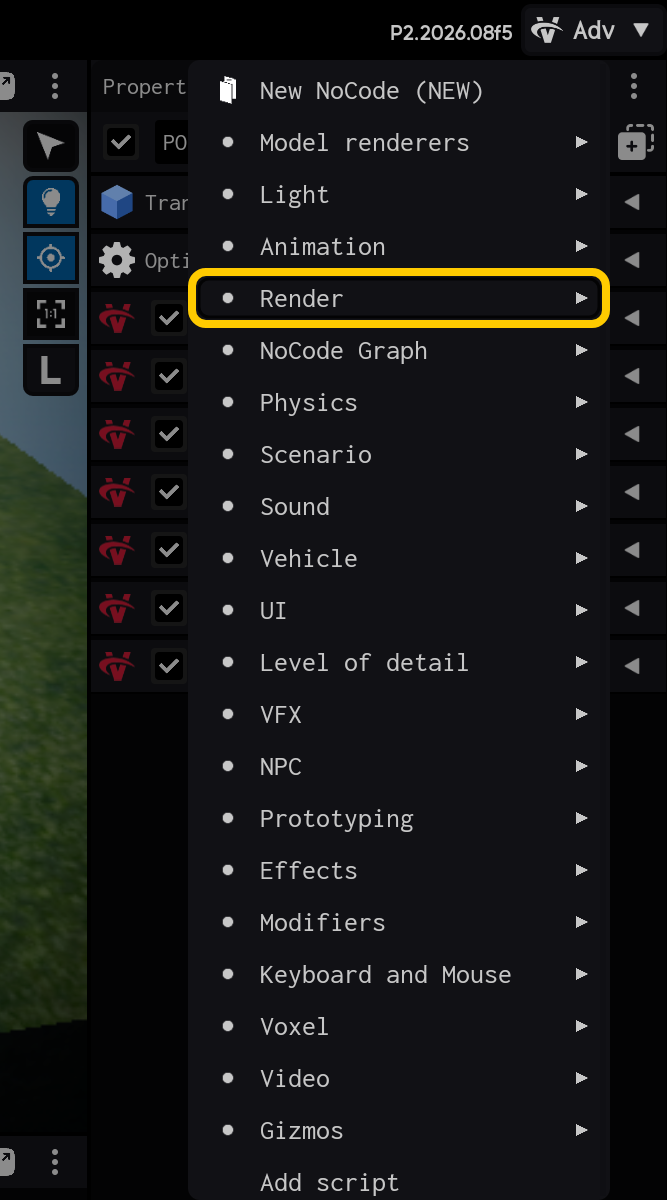
2.1. Tap Add Component to add Fog.

2.2. Open the Render category.
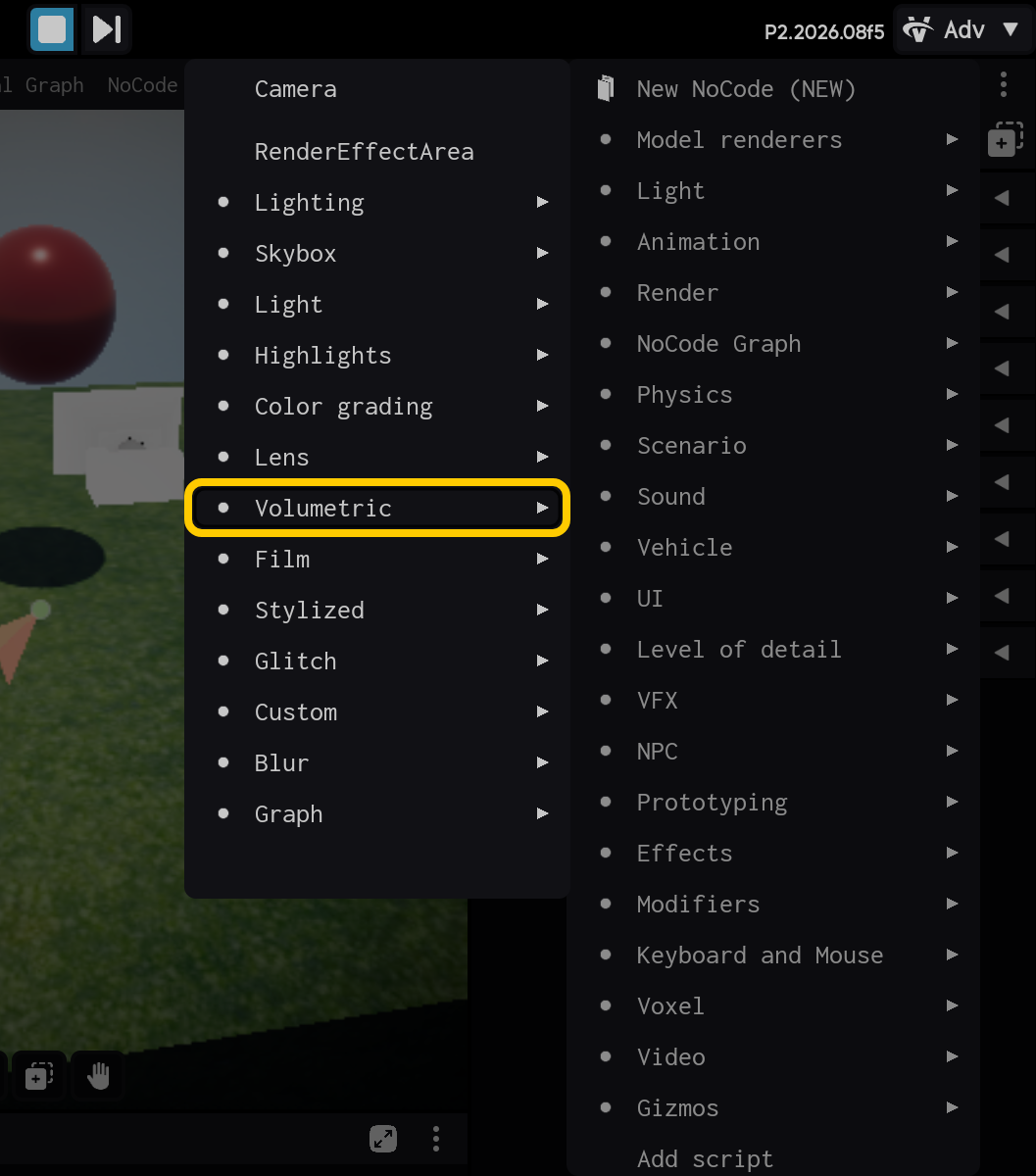
2.3. Open the Volumetric category.
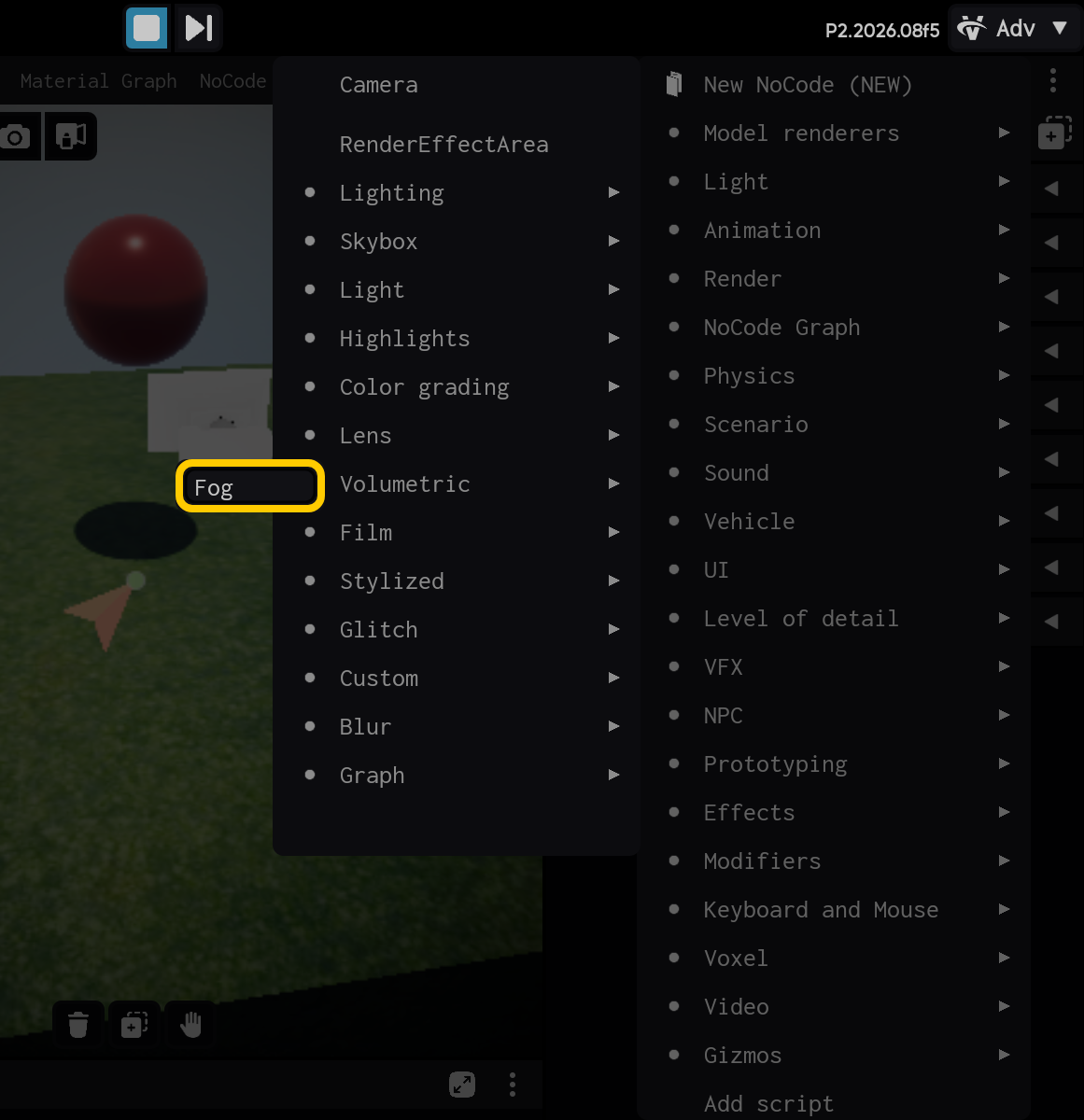
2.4. Select the Fog component.
End of optional section. Continue with the main tutorial below.
- Select the Fog component to view its settings.
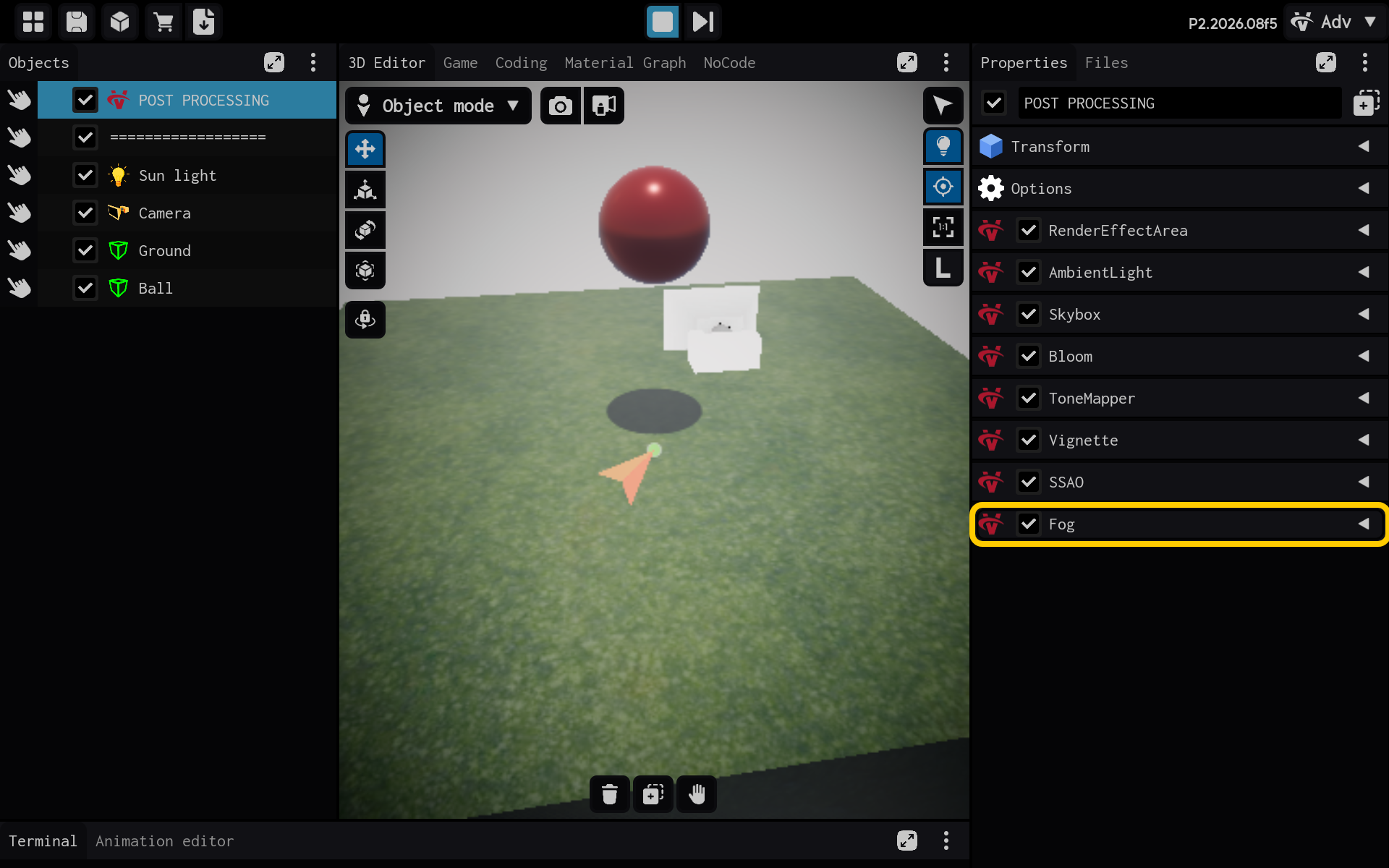
Fog adds a colored haze that hides distant objects.
- Color: Fog color.
- Density: How quickly objects disappear into fog.
- Start and end distance: Where fog begins and reaches full strength.
- Height and falloff: How fog changes with world height.
- Fog settings are visible in Properties.
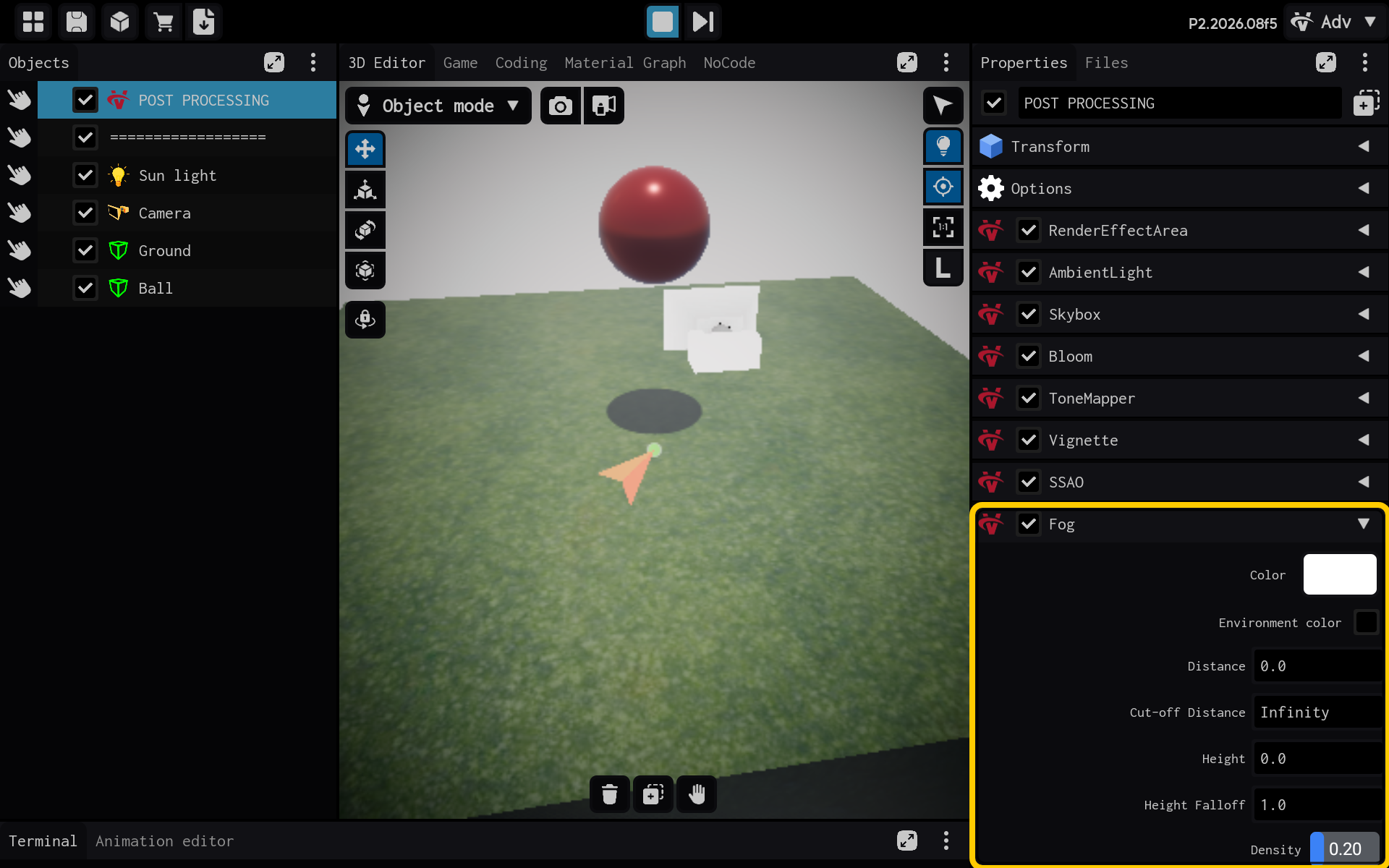
Result
The Fog component is now configured and its settings are visible in the Properties panel. You can adjust its values and preview the result in your scene.