Configuring PrecomputedAtmosphereSkybox
This skybox provides a realistic atmosphere using precomputed lighting.
Sun direction and intensity position and brighten the sun. Rayleigh and Mie shape sky and haze. Ground, height, density, and resolution define the atmosphere quality.
Steps
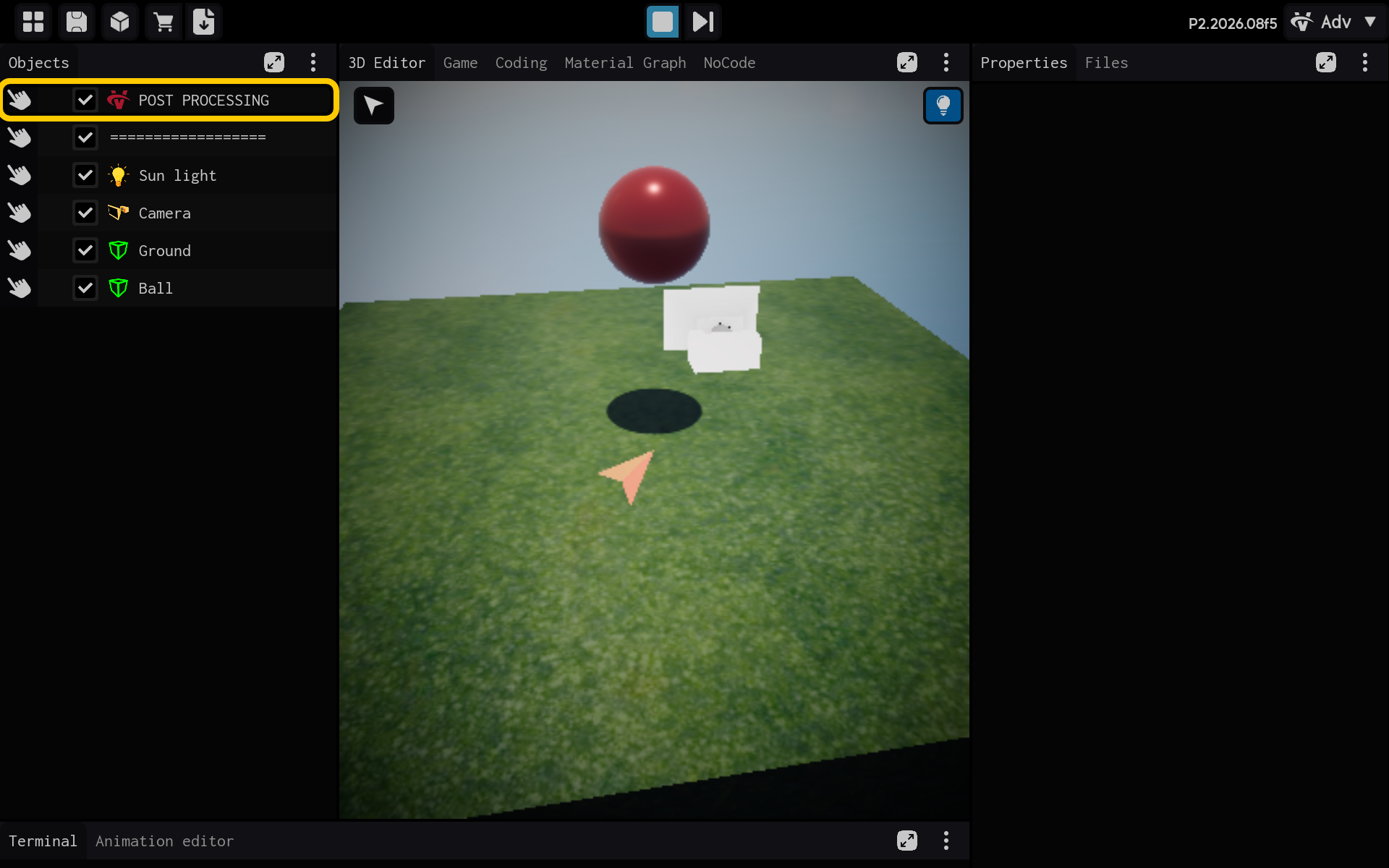
- Select the POST PROCESSING object in the Objects panel.
Optional: Add the PrecomputedAtmosphereSkybox component
Use this section only if the PrecomputedAtmosphereSkybox component is not already listed in the Properties panel. If it is already present, skip the actions in this section and continue with the main tutorial below.
2.1. Tap Add Component to add PrecomputedAtmosphereSkybox.

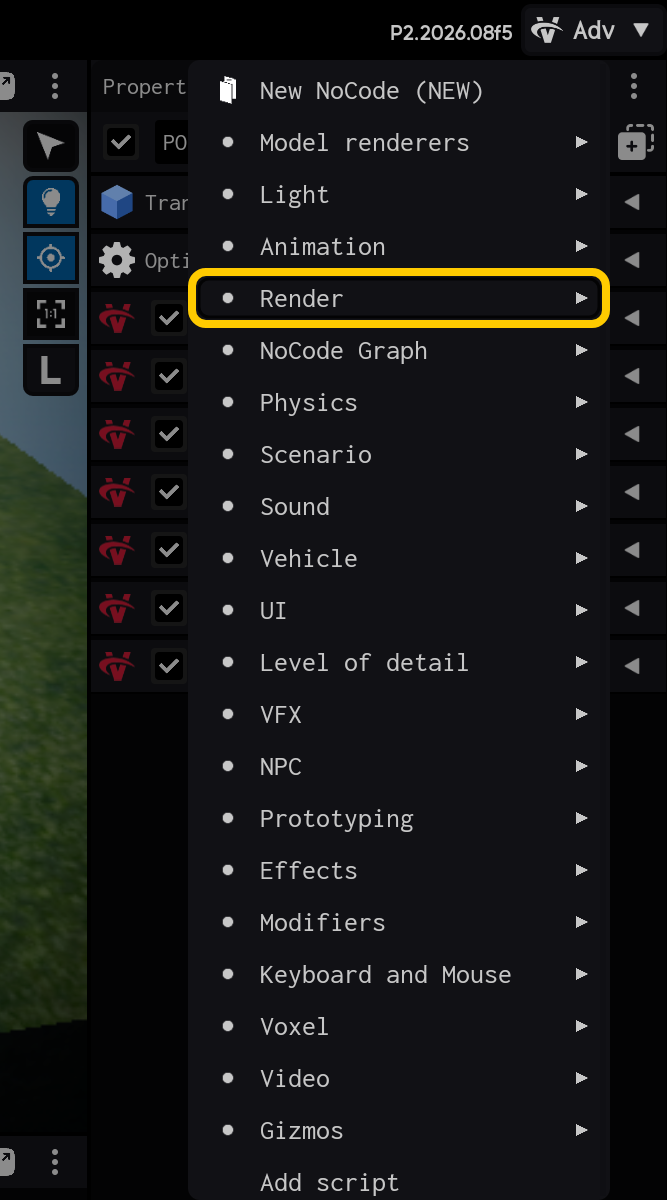
2.2. Open the Render category.
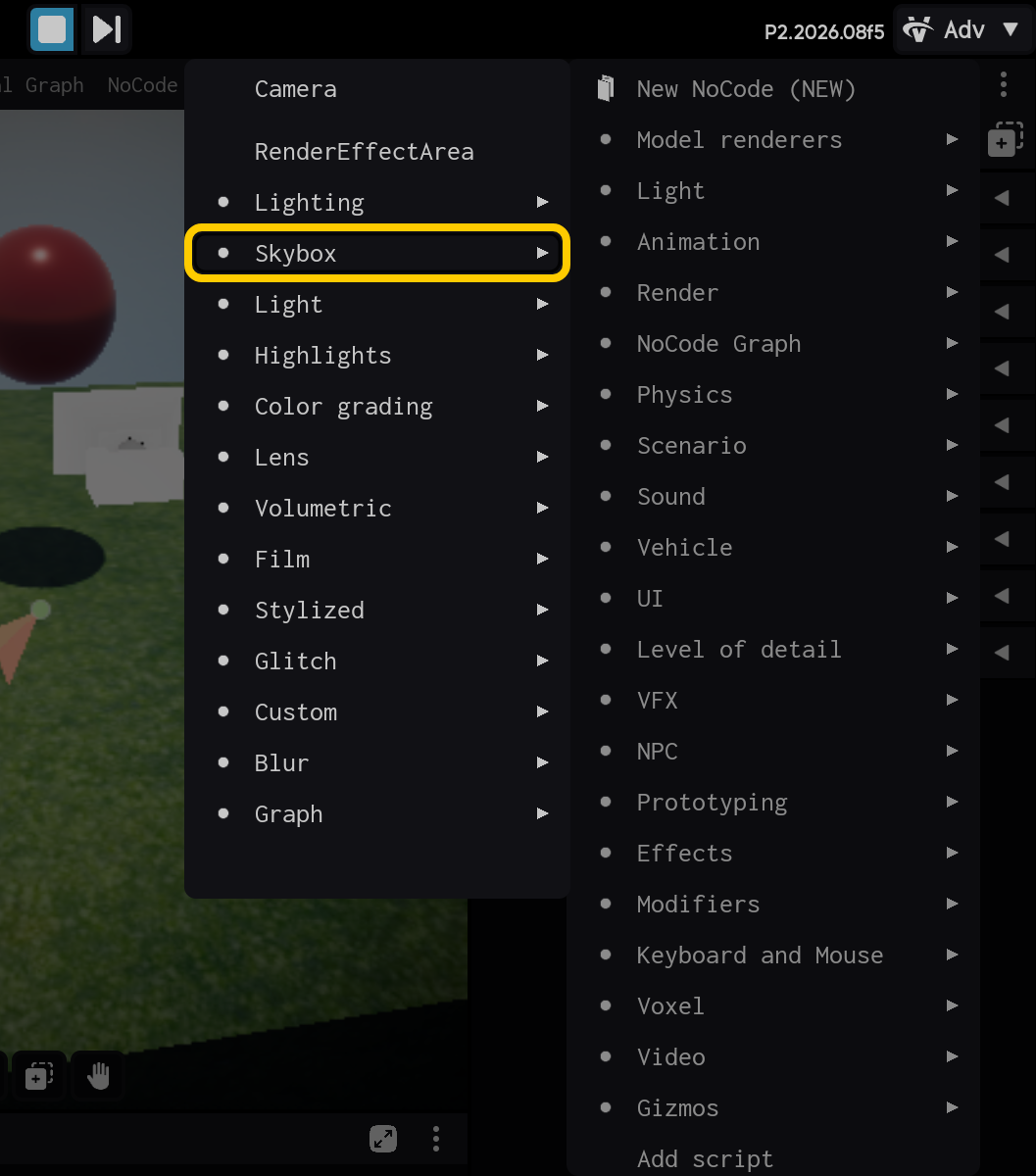
2.3. Open the Skybox category.
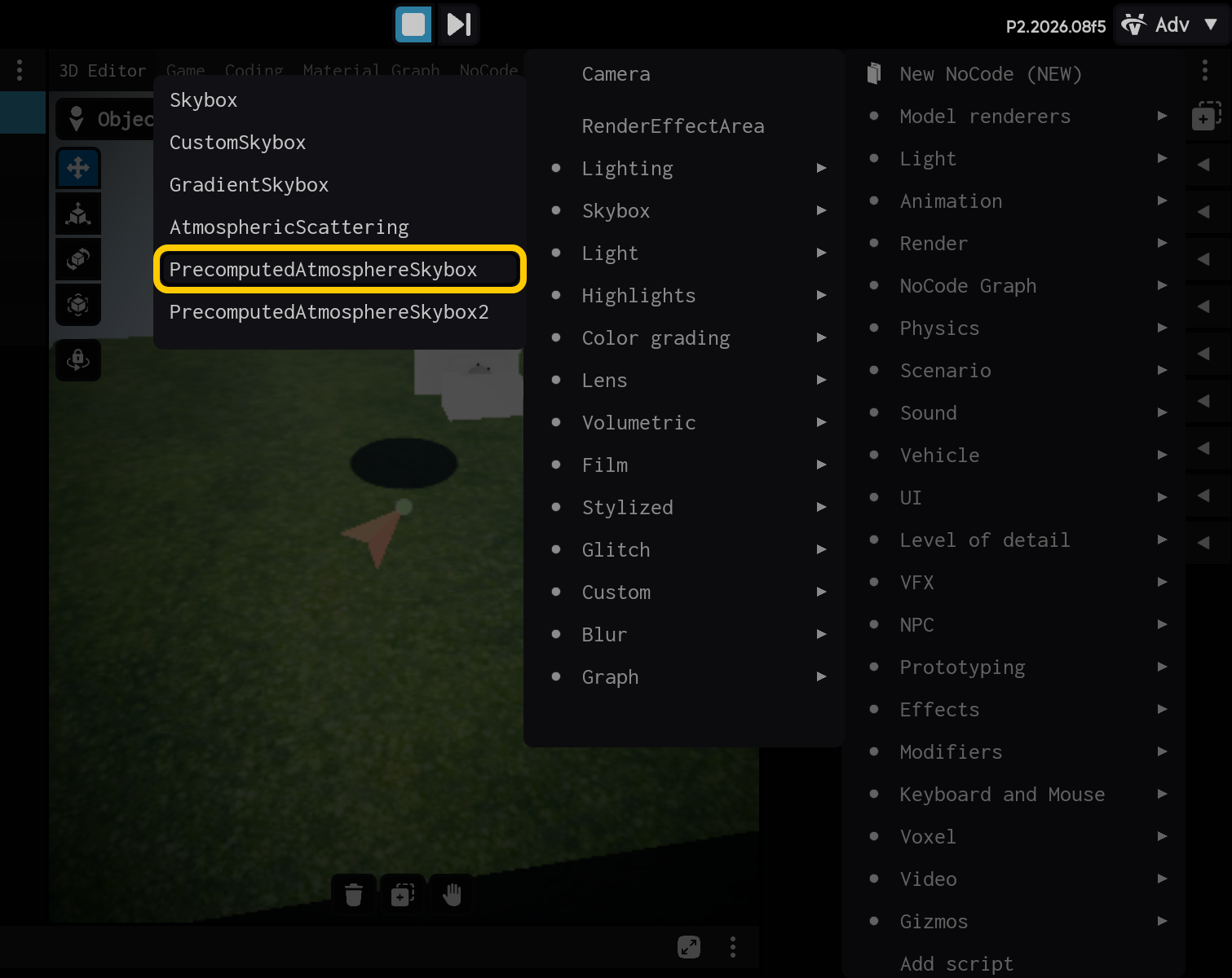
2.4. Select the PrecomputedAtmosphereSkybox component.
End of optional section. Continue with the main tutorial below.
- Select the PrecomputedAtmosphereSkybox component to view its settings.
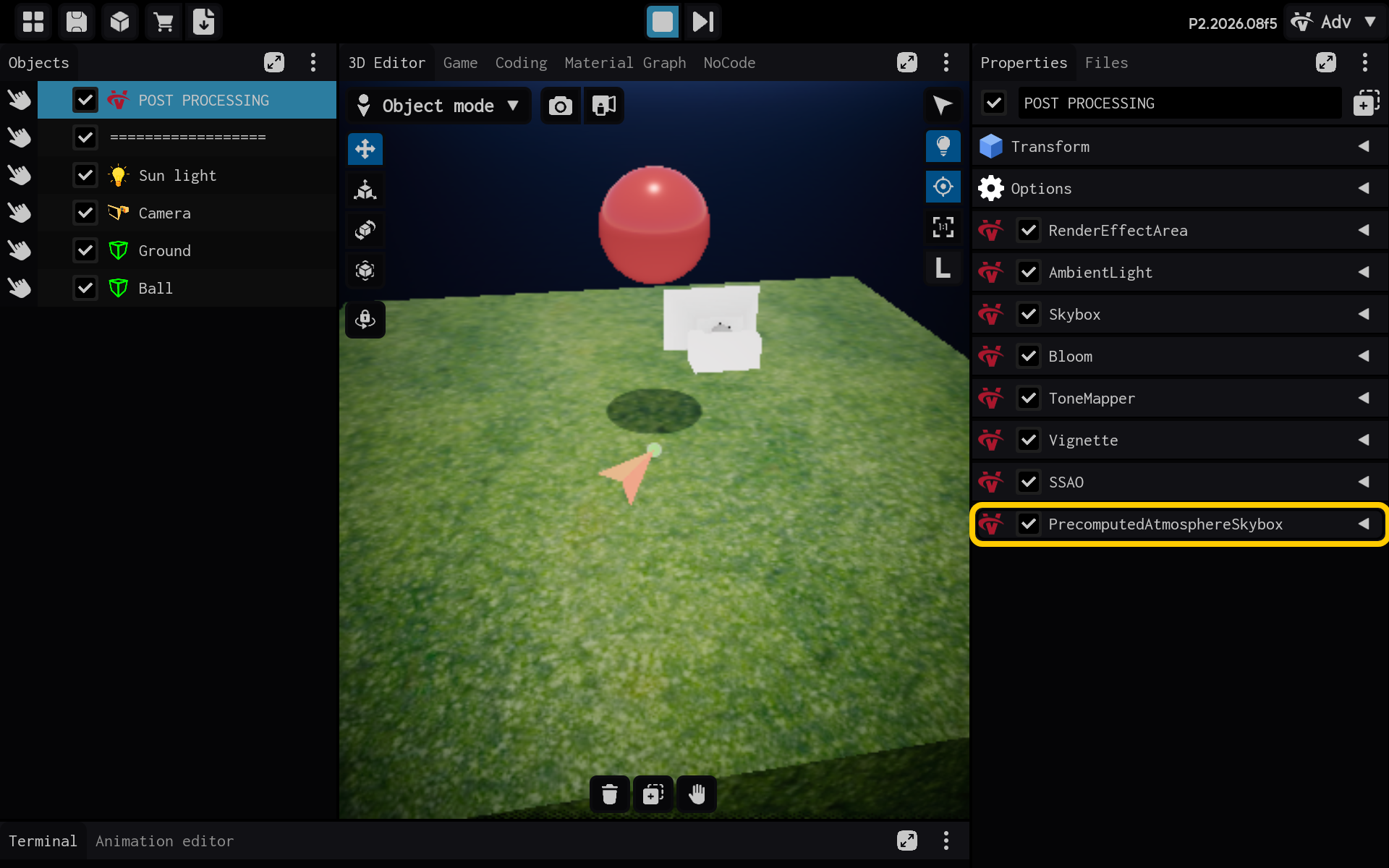
This skybox uses precomputed lighting to create a realistic atmosphere.
- Sun direction and intensity: Position and brightness of the sun.
- Rayleigh and Mie settings: Blue sky and warm haze.
- Ground, height, and density: Shape the atmosphere.
- Resolution: Sky quality.
- PrecomputedAtmosphereSkybox settings are visible in Properties.
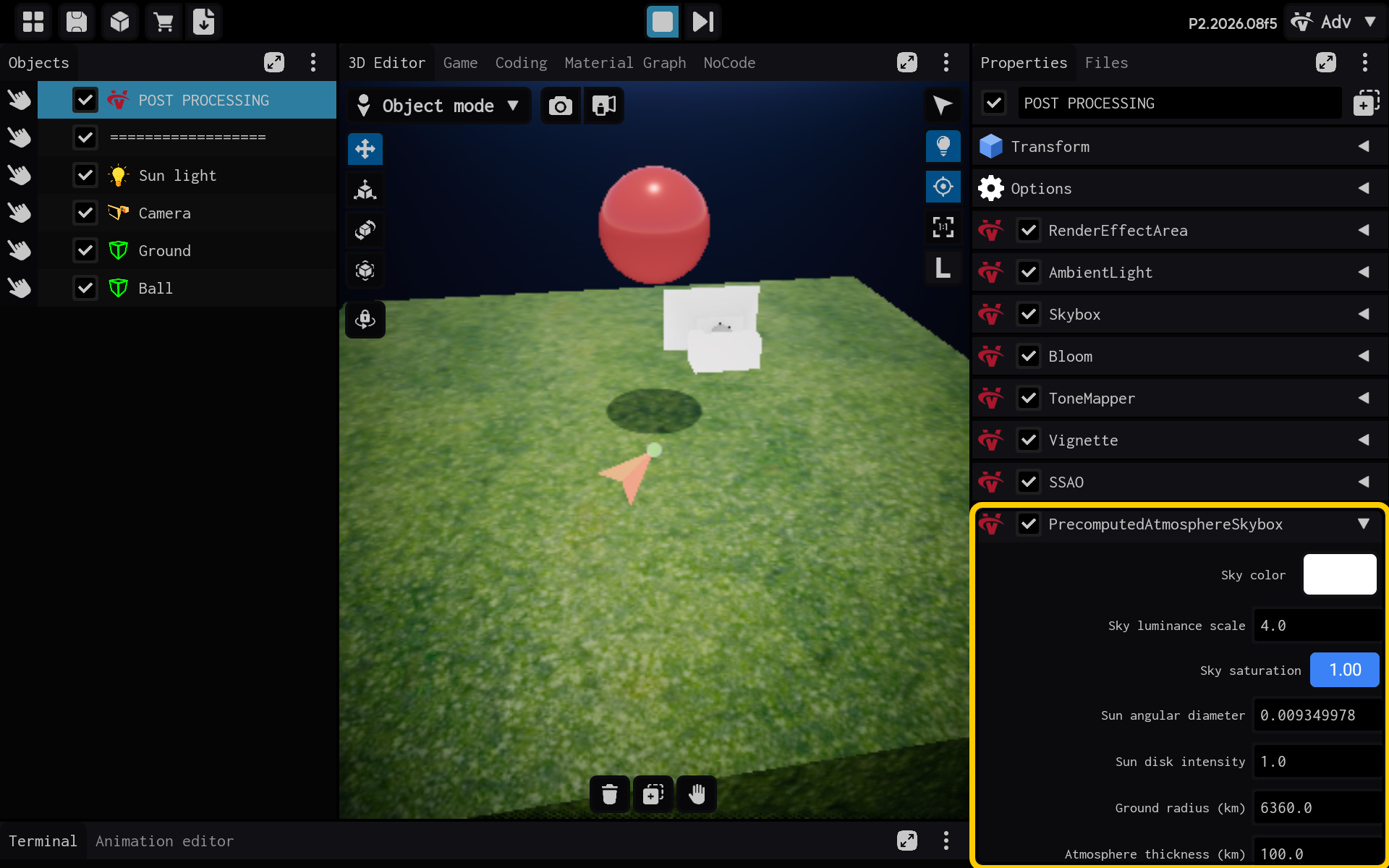
Result
The PrecomputedAtmosphereSkybox component is now configured and its settings are visible in the Properties panel. You can adjust its values and preview the result in your scene.