Configuring ToneMapper
Tone Mapper converts high-dynamic-range lighting into a display-friendly image.
Exposure changes brightness. Contrast and saturation shape the look. Operator selects the mapping style. White point defines white.
Steps
- Select the POST PROCESSING object in the Objects panel.
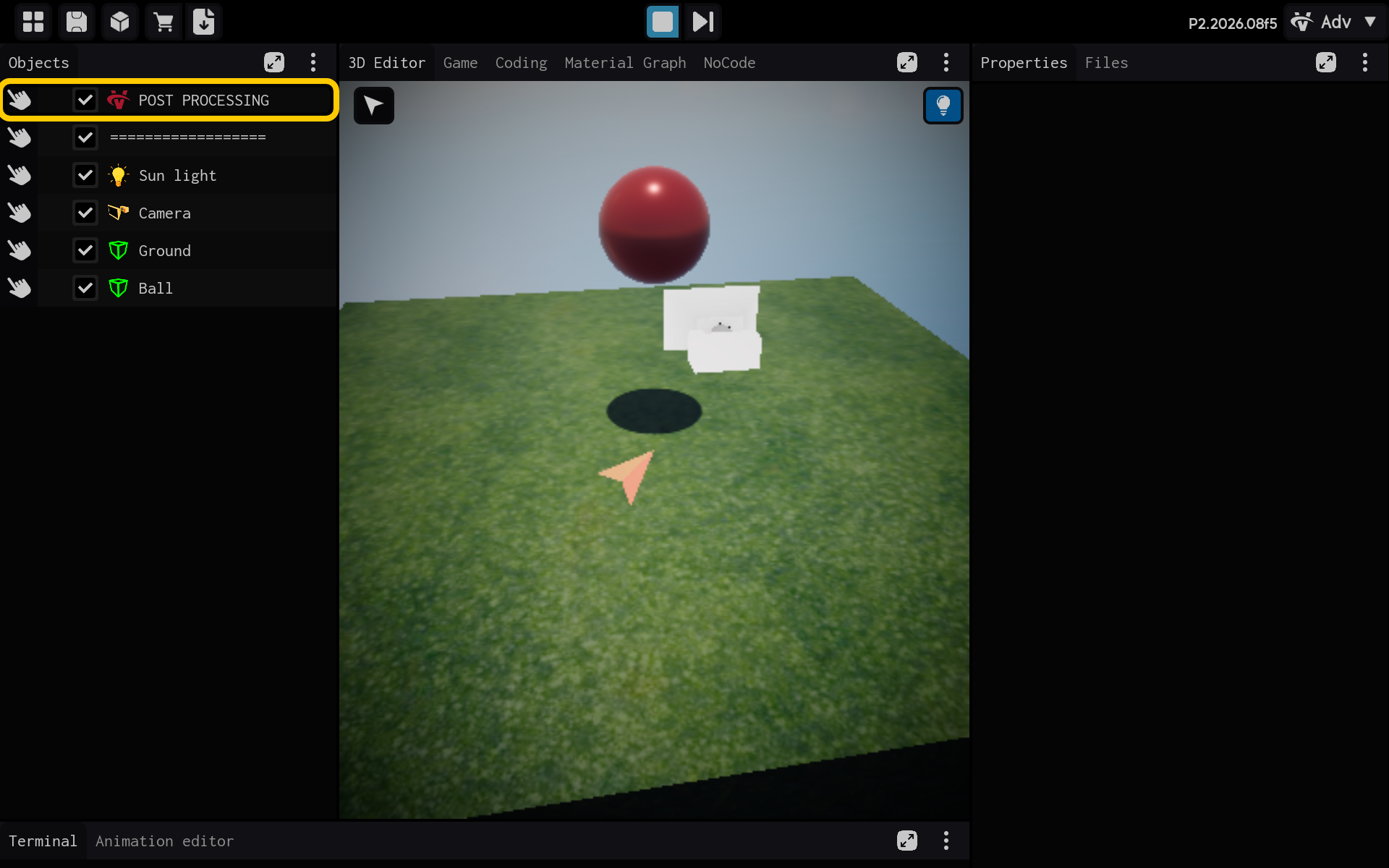
Optional: Add the ToneMapper component
Use this section only if the ToneMapper component is not already listed in the Properties panel. If it is already present, skip the actions in this section and continue with the main tutorial below.
End of optional section. Continue with the main tutorial below.
- Select the ToneMapper component to view its settings.
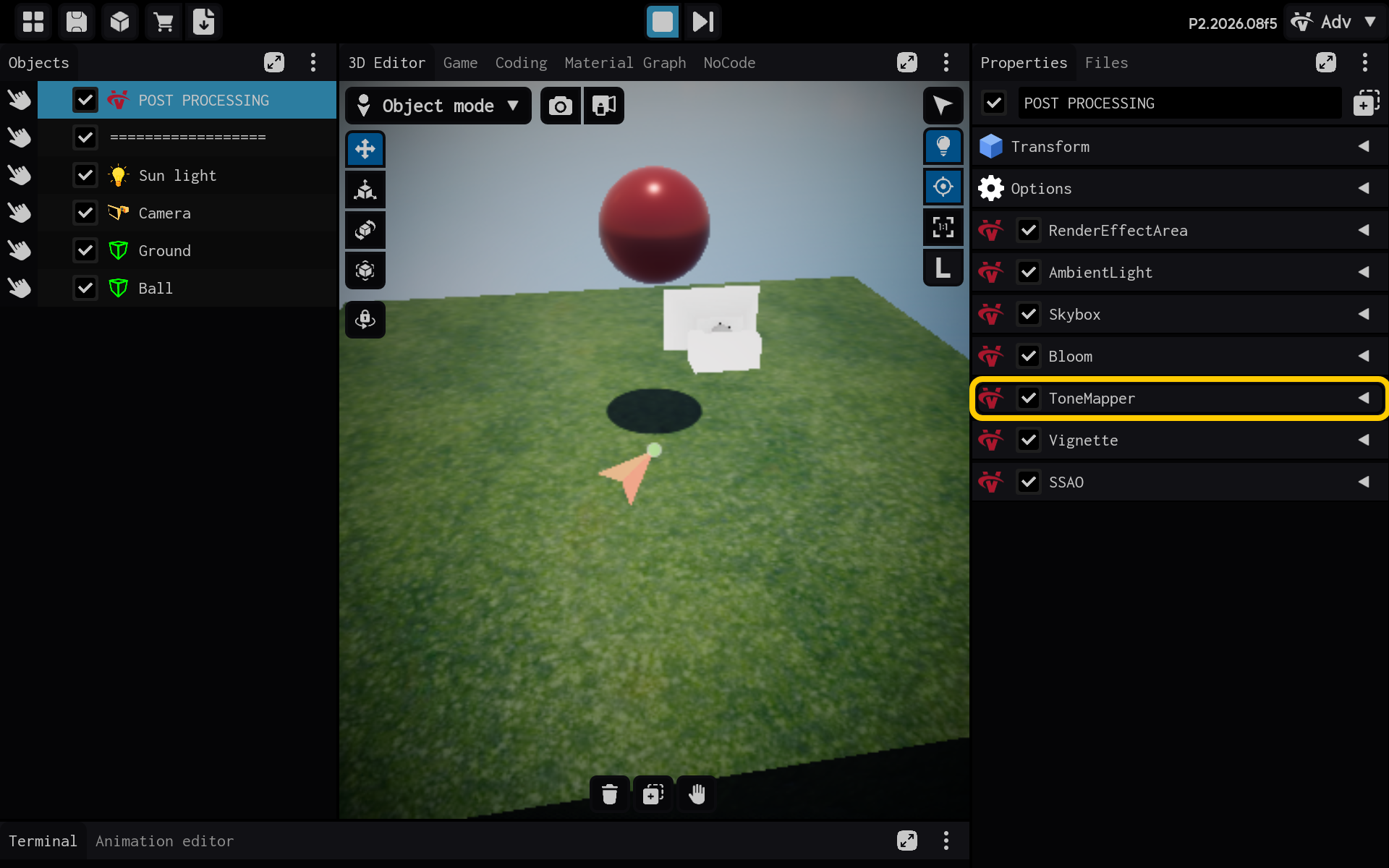
Tone Mapper adapts high-dynamic-range lighting for the display.
- Exposure: Overall brightness.
- Contrast and saturation: General tone and color.
- Operator: Tone-mapping style.
- White point: What should appear white.
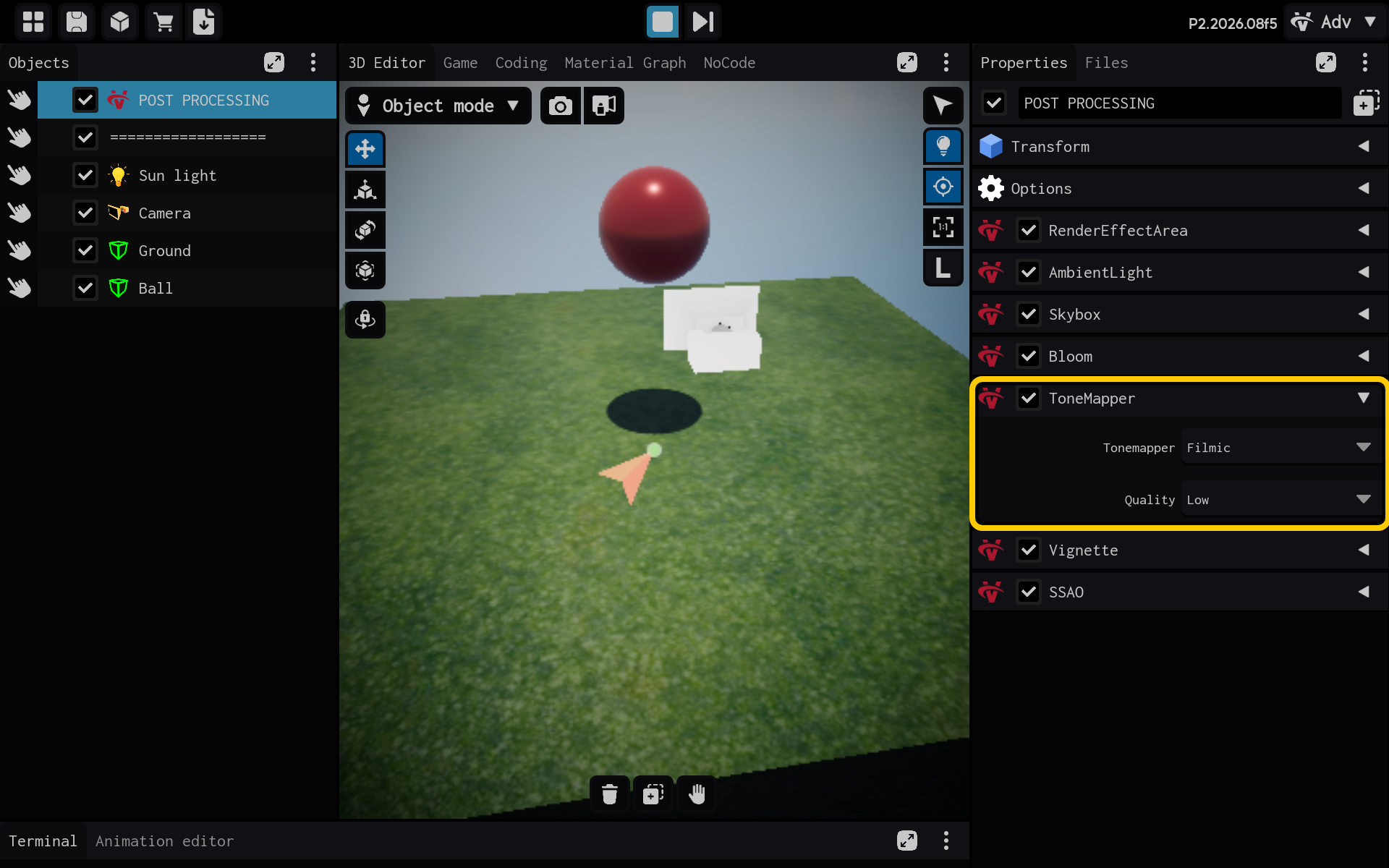
- ToneMapper settings are visible in Properties.
Result
The ToneMapper component is now configured and its settings are visible in the Properties panel. You can adjust its values and preview the result in your scene.